 SaleHero

SmartBill
Invoices, stock and payments from SmartBill, in the same place as your orders.
SaleHero reads your SmartBill account on a schedule and keeps its own copy of invoices, products, stock per warehouse and payment status. Collections you match in SaleHero are recorded in SmartBill, and invoices for orders created in SaleHero are issued there.
The problem it removes
- “I issue the invoice in one program and chase the payment in another.”
- “The invoice is there, but nobody can tell which order it belongs to.”
- “My accountant asks for the invoices again every month.”
What comes into SaleHero
- Issued invoices, with their series and number
- Products and stock per warehouse (gestiune)
- Payment status of each invoice, and what is still receivable
- Invoice series, so the right one is used when SaleHero issues a document
What SaleHero sends out
- Collections: a payment matched to an invoice is recorded in SmartBill
- Invoices for orders created in SaleHero (manual and B2B orders), at the order's prices
What you need
- A SmartBill account with API access
- The company tax number (CIF), the e-mail you sign in with and your SmartBill API token
- A SaleHero user who can change Settings
How to connect it
- 1Open Settings, then the Connection tab.
- 2Enter the CIF, the SmartBill e-mail and the API token.
- 3Press Verify and save. SaleHero tests the login and shows the result.
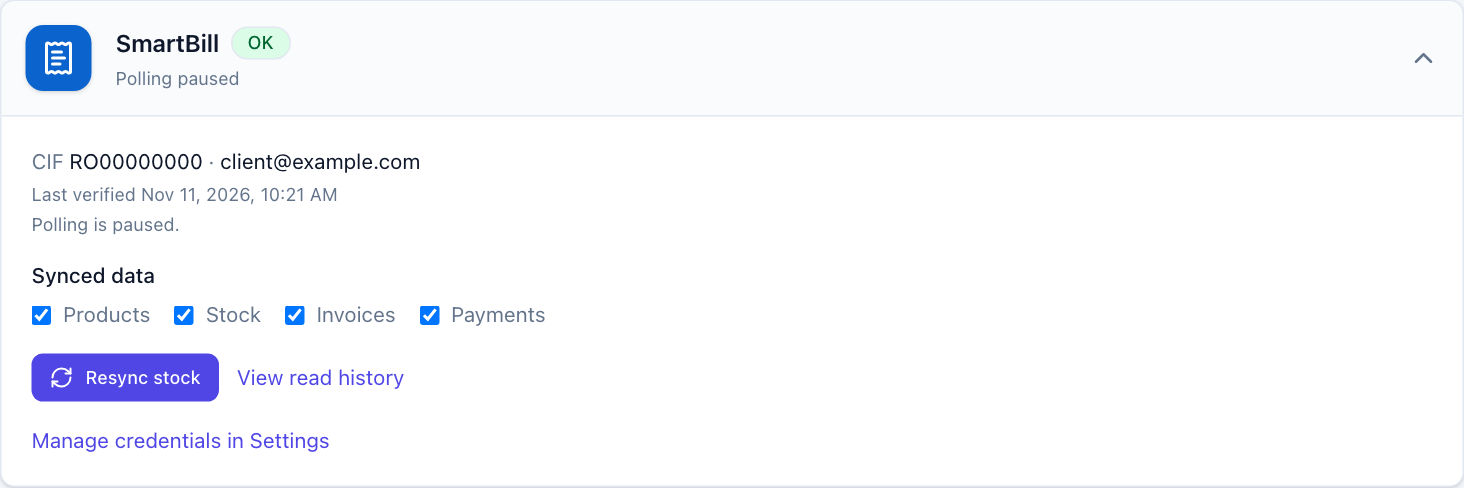
- 4Choose what to sync: products, stock, invoices, payments. Each can be switched off on its own.
- 5Map your SmartBill warehouses to SaleHero warehouses if you track stock there.
What it powers
The features that depend on this connection.
Real profit
SaleHero puts the full cost on every product, in every channel and country: purchase, customs, VAT, transport, commission. You see the margin that is left, not the one you hoped for.
See detailsStock you can trust
SaleHero puts your accounting stock and your warehouse stock side by side, SKU by SKU, and shows you where they disagree and why. You fix the cause, not the symptom.
See detailse-Factura check
SaleHero compares what you issued in SmartBill with what ANAF's SPV holds, every day. Missing invoices and rejected ones show up in a list, before they become a problem.
See detailsCOD and payouts
Import the courier or marketplace statement. SaleHero matches every line to an order and records the payment on the right invoice in SmartBill.
See detailsOrders
Every order from your store and your marketplaces in one list, with the invoice, the AWB, the stock and the history on the same page. Problems are flagged before the customer writes.
See detailsB2B portal
A portal where each wholesale client sees their own prices and stock, orders alone and downloads the invoice. For your own team, an approval step, prepaid credit, feeds and offers.
See details
Learn it step by step
The guide pages that walk through this.
Questions we get
- How often does it sync?
- By default stock is read every 15 minutes and invoices and payments every hour. You can pause the connection or any one kind of data in Settings.
- Does SaleHero change my invoices?
- No. It reads them. It writes only collections you record, and invoices for orders created inside SaleHero.
- Can I use Oblio instead?
- SaleHero also mirrors Oblio invoices, read-only. SmartBill is the one SaleHero can record payments in and issue invoices from.
Connect your tools and see the first numbers
Most connections take a few minutes. The first data lands the same day.